
Step 1:
Go to access.serpinstitute.org & click on the STARI logo. Register for a free account.
Step 2:
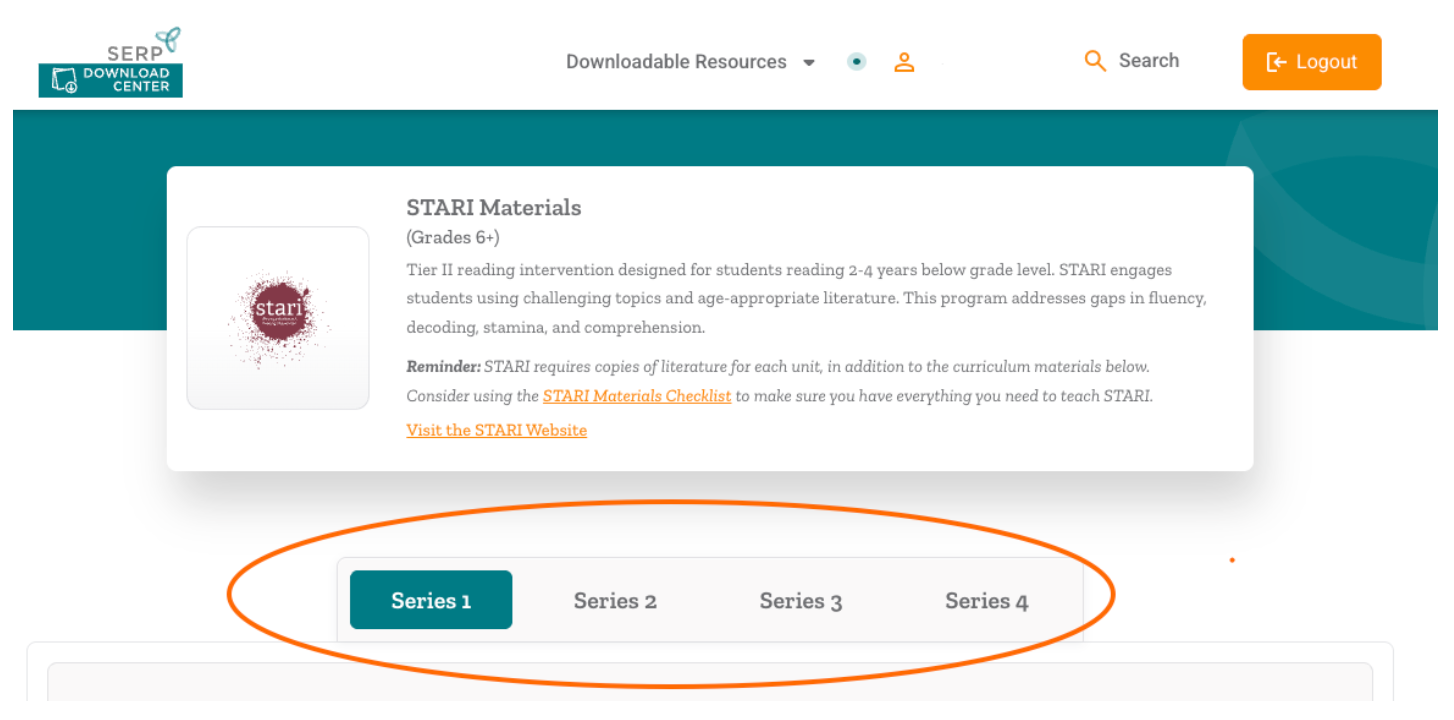
Determine what series you will be using. STARI has four series. Each Series has three units, which is enough material for one full school year. (More info here.)
We generally recommend:
- Series 1: 6th Grade
- Series 2: 7th Grade
- Series 3: 8th-9th Grade
- Series 4: High School
Step 3:
Click on the series you will be teaching.
Step 4:
Within that series, always start with Unit 1!
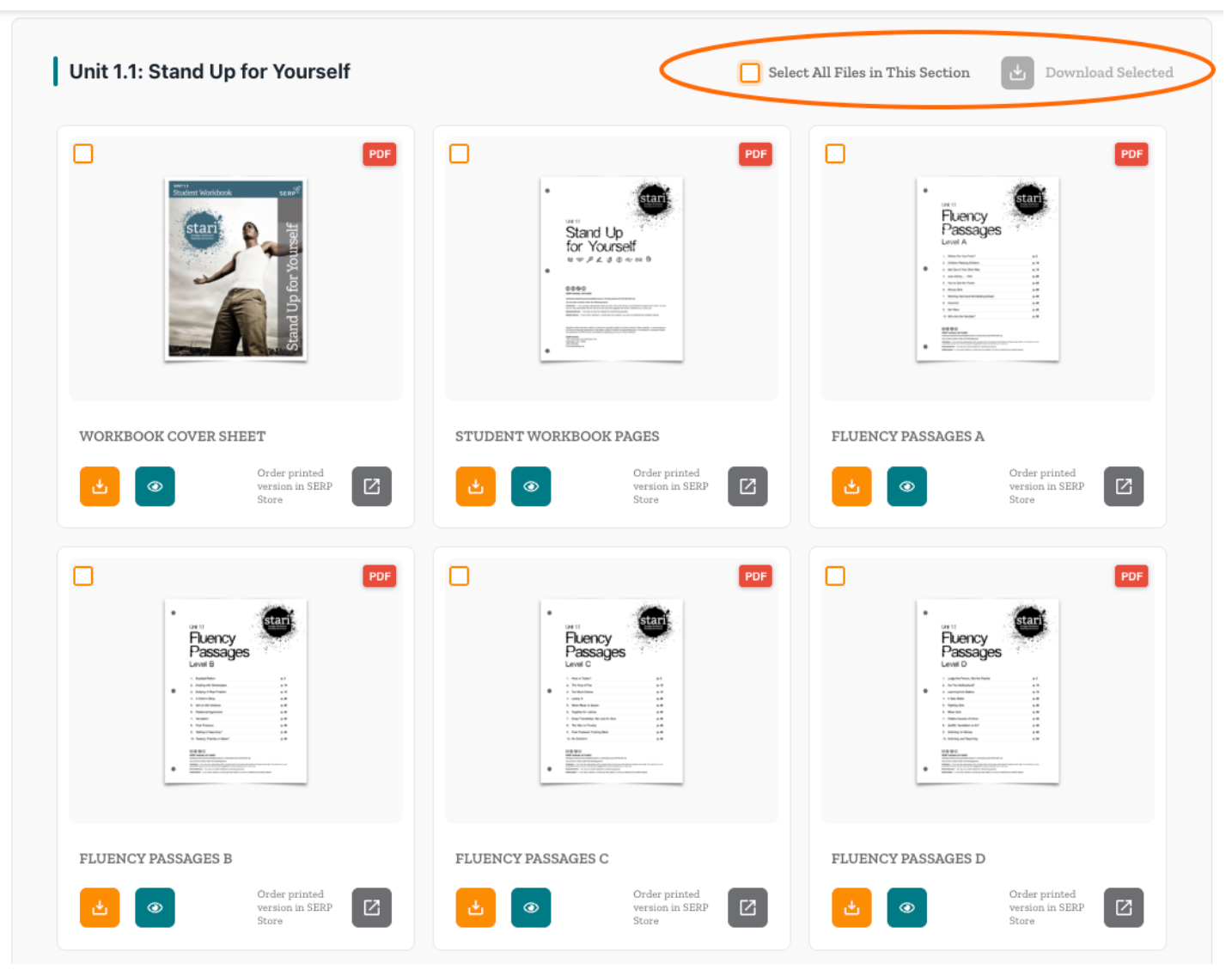
Click the “Select All Files in This Section” box in the top right corner of Unit 1.
Then click Download Selected to download all the files for that unit. All selected files will be downloaded in a zip file.
Prefer to purchase printed STARI materials instead?
Consider a bundle order including curriculum materials, literature and professional learning.
You may email info@serpinstitute.org with any questions.